Windows 11 demands you use a Microsoft account. Here’s how to bypass it

Reading Time: 2 minutesMicrosoft insists you to use a Microsoft account when setting up a brand-new Windows PC, but what if you don’t want to? Fortunately, Windows 11 (Home 24H2) works in the same way previous Windows 11 iterations used to–without a Microsoft account or the need to go online. It’s not straightforward however, and you need to pull off a couple of simply technical tricks to make it happen when you’re setting up your computer. The best Read more…

24 Smart Ways to Stress Less About Technology

24 Smart Ways to Stress Less About Technology

Reading Time: 9 minutesModern technology certainly has its advantages: We can stalk friends on Facebook. But having access to all these digital gadgets can also be a huge source of stress. Among people in their mid 20s, those who use their cell phones and computers a lot (defined by criteria such as receiving and answering at least 11 phone calls or text messages per day) are more likely to struggle with depression and problems sleeping, especially if they Read more…

How to Control Multiple Computers with a Single Keyboard and Mouse

Reading Time: 4 minutesIf you have two or more computers at one desk, you don’t want two or more sets of keyboards and mice cluttering up your workspace, too. You can buy a hardware gadget that lets you share a single keyboard and mouse with several computers (which involves a mess of tangled wires), or you could use a free software solution called Synergy. The Synergy application runs on all the computers you’re using—the one that has the Read more…

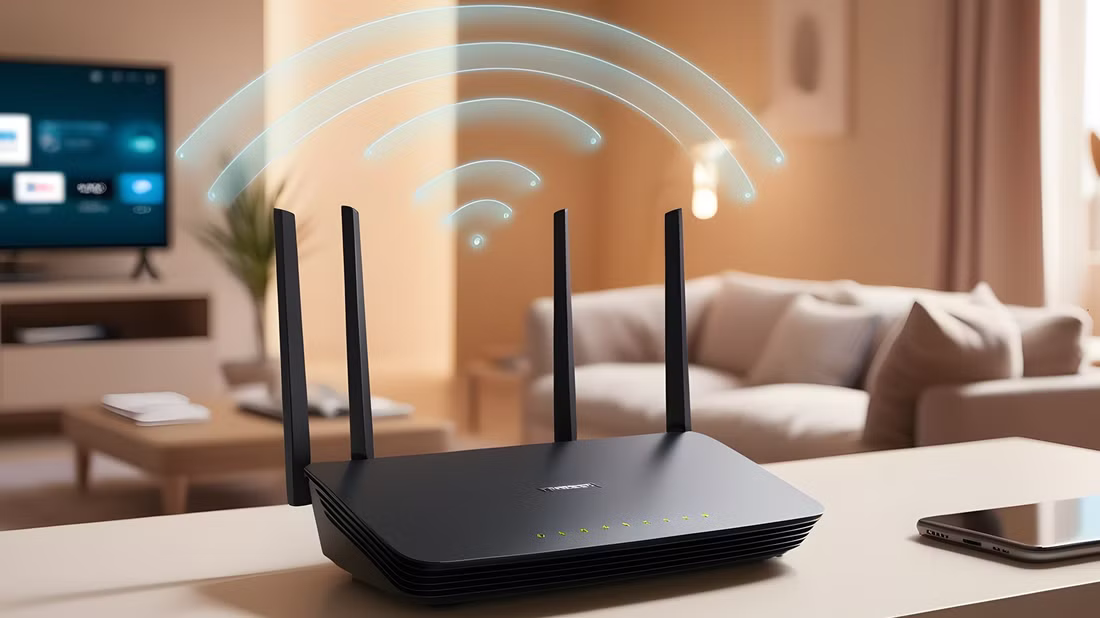
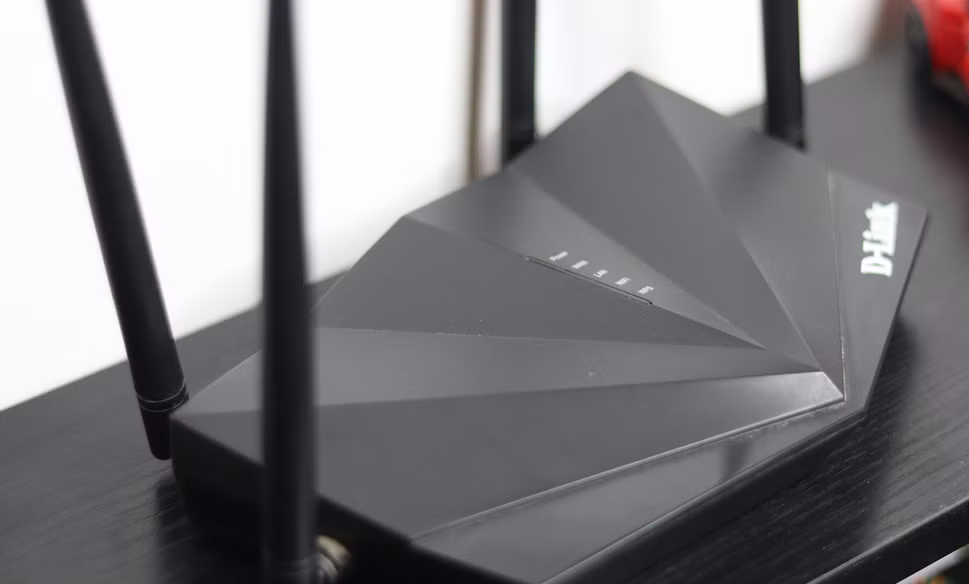
Wi-Fi extenders vs. boosters vs. repeaters: Major differences explained

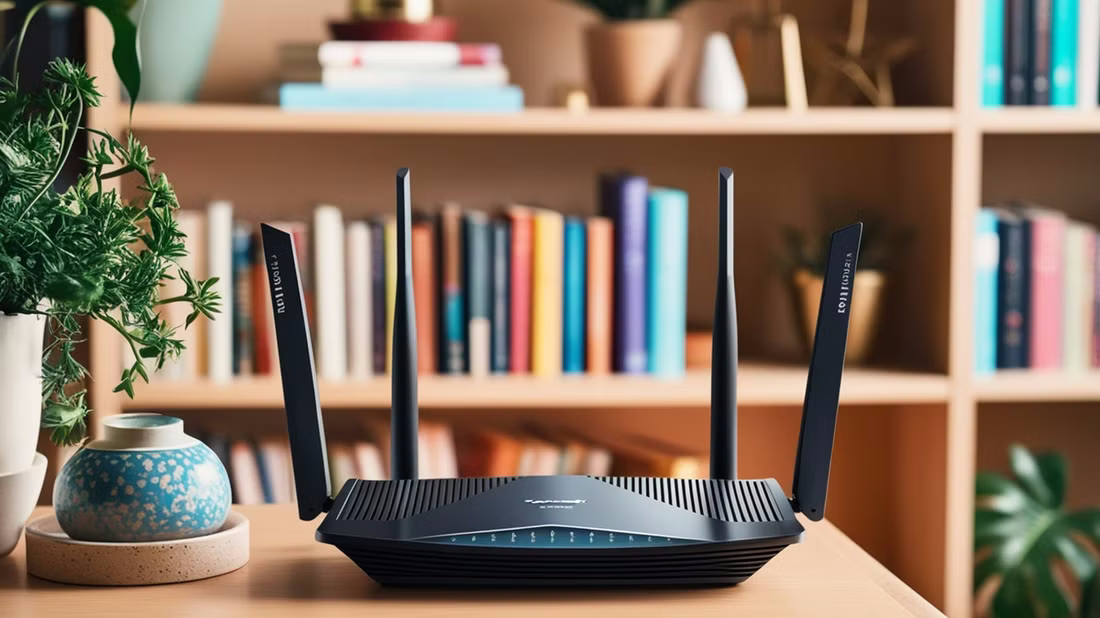
Reading Time: 4 minutesWith the recent boom in smart home technology, even our garage doors and light bulbs are connecting to the internet. And because of this, you may now need Wi-Fi coverage in parts of your home that previously didn’t need access. There are numerous products that aim to solve this pain point, but you’ll need to understand the differences between them to know which one to buy. Below we’ll detail the major differences between Wi-Fi extenders, Read more…

Make Windows 11 better: How to customize and expand the Start menu

Reading Time: 5 minutesUse tools, settings, and tricks to customize the Windows 11 Start menu to your own requirements. We show you how. Microsoft regularly changes the functions, options, and display of the Start menu in Windows. There are innovations such as a tile layout for the “All” tab. However, the menu also hides important functions, making them more difficult to access. In this article, we look at the settings options for the Start menu and how you Read more…

Your Guide to Deleting Files Forever

Reading Time: 2 minutesCan a file be deleted forever? What exactly happens when you “delete” a file, and how easy is it to retrieve it? You’ve probably seen it on crime dramas like CSI or NCIS: the investigators get their hands on the bad guy’s computer, and with a few strokes of the keyboard are able to reconstruct everything the bad guy thought he had deleted. You might think those scenes are fake TV tech magic — and Read more…

Which Upgrades Will Improve Your PC Performance the Most

Reading Time: 4 minutesIs your PC running slow? Maybe you’ve tried optimization software and investigated all the common solutions, but nothing seems to be working. In that case, it’s time to upgrade some of your hardware. But which components, exactly? Where should you start? Which upgrades will give you the best bang for your buck, and which are a waste of time? Although you should always tailor your upgrades to suit a particular need, here are the best Read more…

How to move Windows default folders to other drives

Reading Time: < 1 minuteIf you use a Windows PC, you’re probably familiar with the standard user folders like Documents and Music. If you find that you’re running out of space in these folders, you can easily move them to another drive. Not sure how to go about it? Don’t sweat it. We’ll guide you every step of the way. By default, these directories (aka libraries) are located as subfolders in the path C:\Users\[user name]. In some configurations, however, Read more…

8 mistakes that will kill your SSD early

Reading Time: 5 minutesSSDs are finely tuned, blazing-fast storage devices that can take more advantage of the high bandwidth of PCIe 5.0 than even the fastest graphics cards. But like all instruments of performance, you can’t treat them poorly and expect them to last forever. There are some real mistakes you’re probably making that will cause your SSDs to die sooner than they should. Here’s what you need to know if you want them lasting long and performing Read more…

Warning Signs Your Computer Is Going to Crash

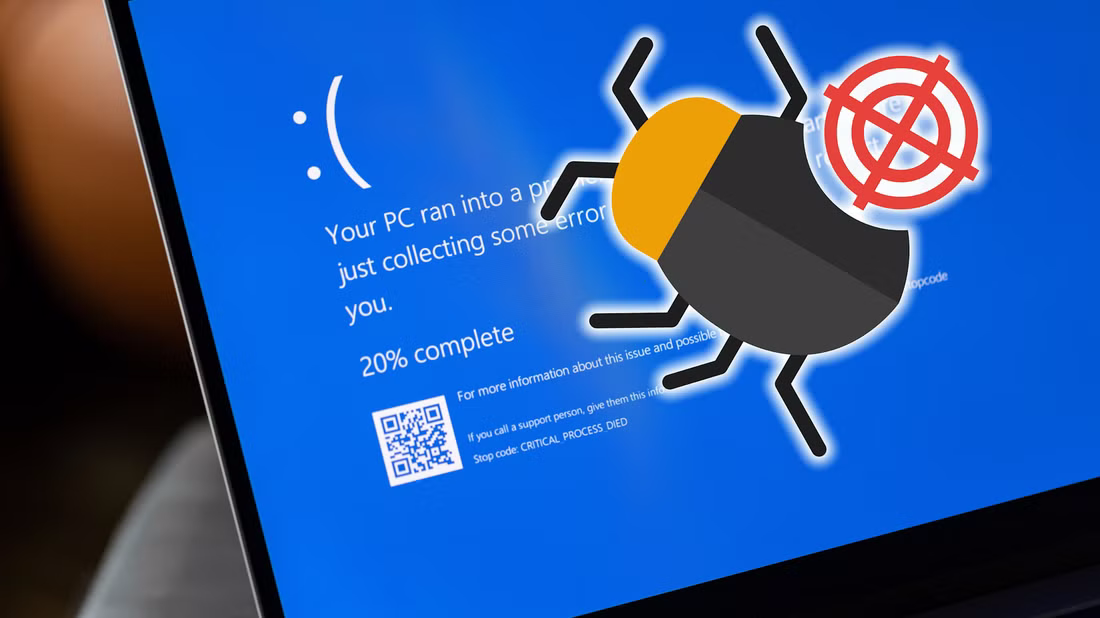
Warning Signs Your Computer Is Going to Crash (And What to Do)

Reading Time: 4 minutesComputer crashes have a habit of occurring at the most inopportune moments. You can guarantee that everything is going to fail seconds before you were due to hit the Save button. So, wouldn’t it be great if you could tell when a crash was about to happen? It turns out that you can—computer crashes are nowhere near as random as they might appear. Here are several warning signs that your computer is about to crash, Read more…